

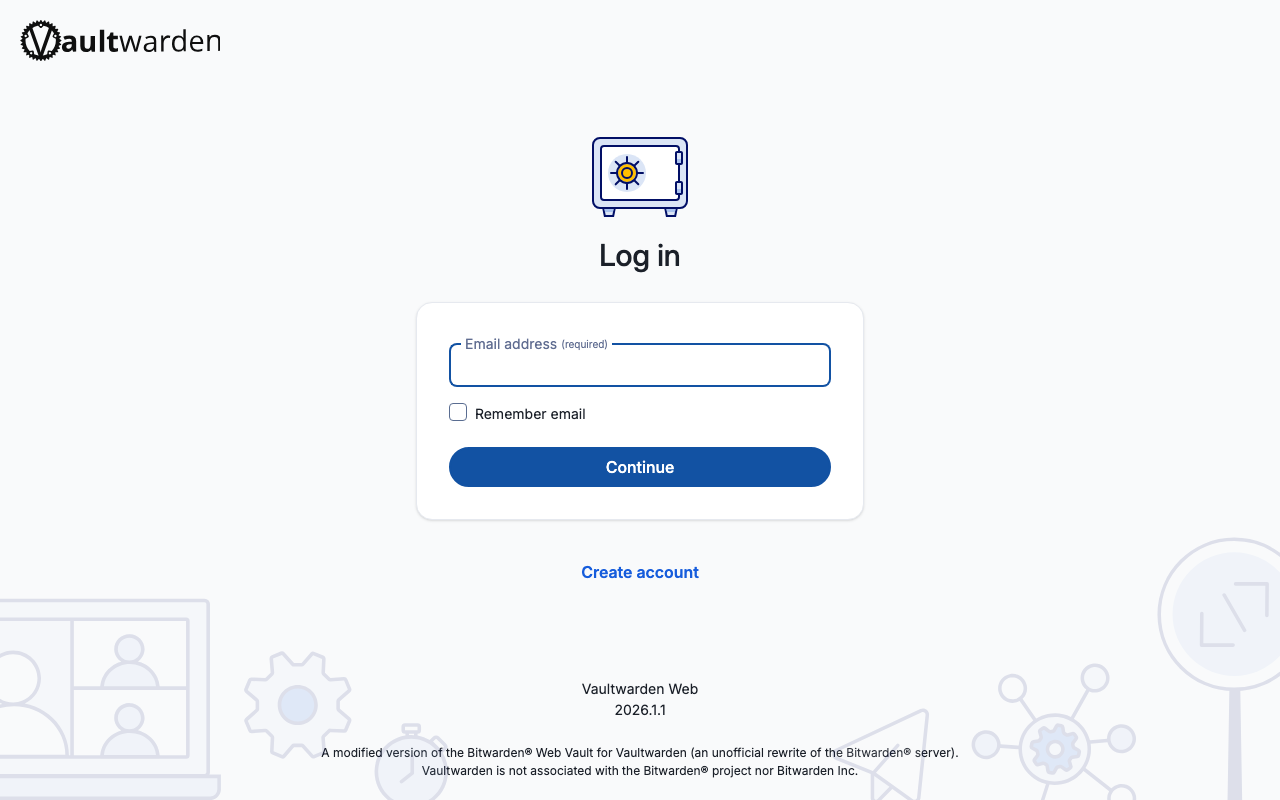
Launchable on Launchfile— managed hosting from $5/mo.
Run locally
Tested and verified to launch successfully.
Terminal
$ npx launchfile up vaultwardenRequires Docker Desktop. No source code needed — pulls pre-built images and starts vaultwarden with all dependencies.
Image:
vaultwarden/server:1.37.2LaunchfileView on GitHub
# yaml-language-server: $schema=https://launchfile.dev/schema/v1
version: launch/v1
name: vaultwarden
description: "Self-hosted password manager — works with all Bitwarden apps and browser extensions"
repository: https://github.com/dani-garcia/vaultwarden
logo: https://raw.githubusercontent.com/dani-garcia/vaultwarden/main/resources/vaultwarden-icon.svg

image: vaultwarden/server:1.37.2
provides:
  - name: web
    protocol: http
    port: 80
    exposed: true
requires:
  # The web vault needs a secure context for the Web Crypto API; over plain
  # HTTP it decrypts nothing while the container looks healthy (README.md:62).
  - type: https-origin
    endpoint: web
    set_env:
      DOMAIN: $url
supports:
  - type: postgres
    set_env:
      DATABASE_URL: $url
env:
  ADMIN_TOKEN:
    generator: secret
    sensitive: true
    description: "Token for accessing the admin panel"
  SIGNUPS_ALLOWED:
    default: "true"
    description: "Whether new user signups are allowed"
  DOMAIN:
    default: $app.url
    description: "Public URL Vaultwarden is served from; its web vault needs HTTPS and a secure context for Web Crypto, beyond WebAuthn/U2F"
storage:
  data:
    path: /data
    persistent: true
restart: always
Test Results
Last Tested
2026-09-11
Health Check
Passing
Startup Time
61s
Total Disk
83 MB
Required Services
https-origin
Learn More
Spec references for features used in this Launchfile.